Bloom
Transforming local flower delivery
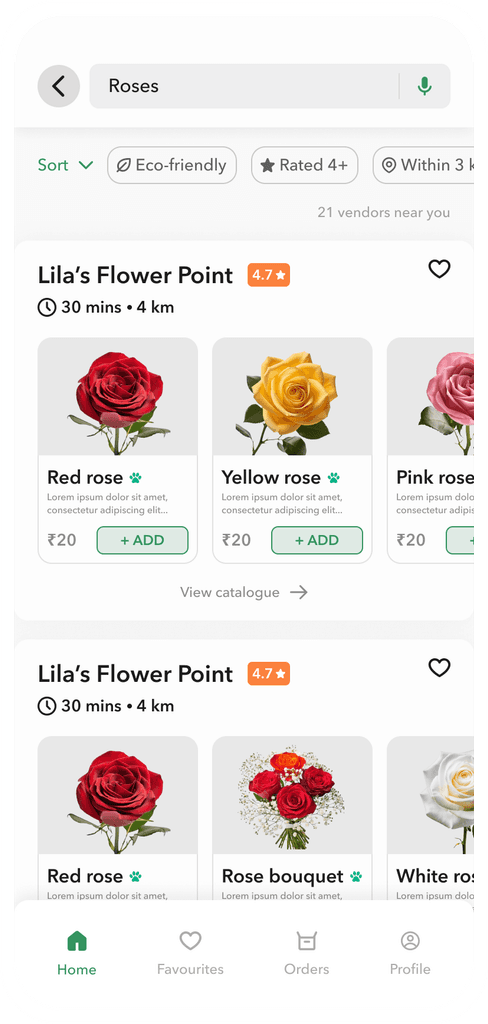
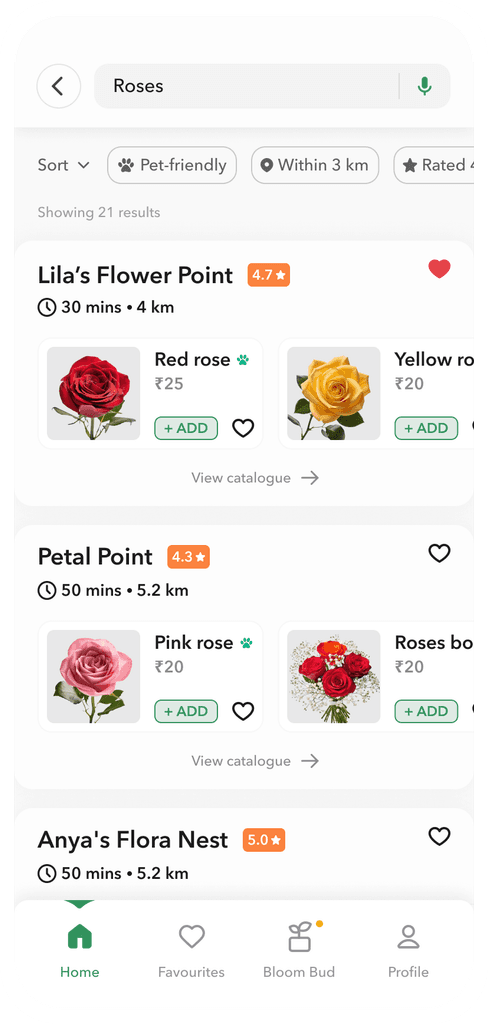
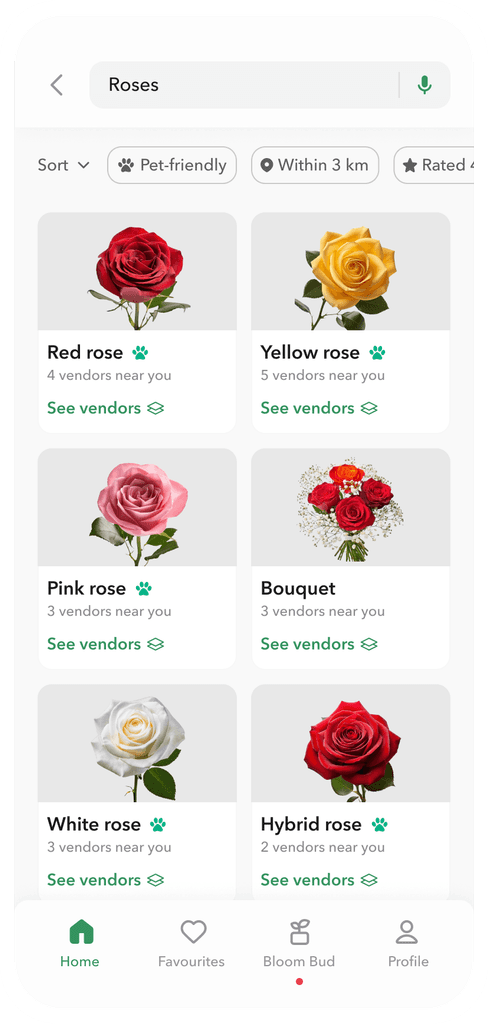
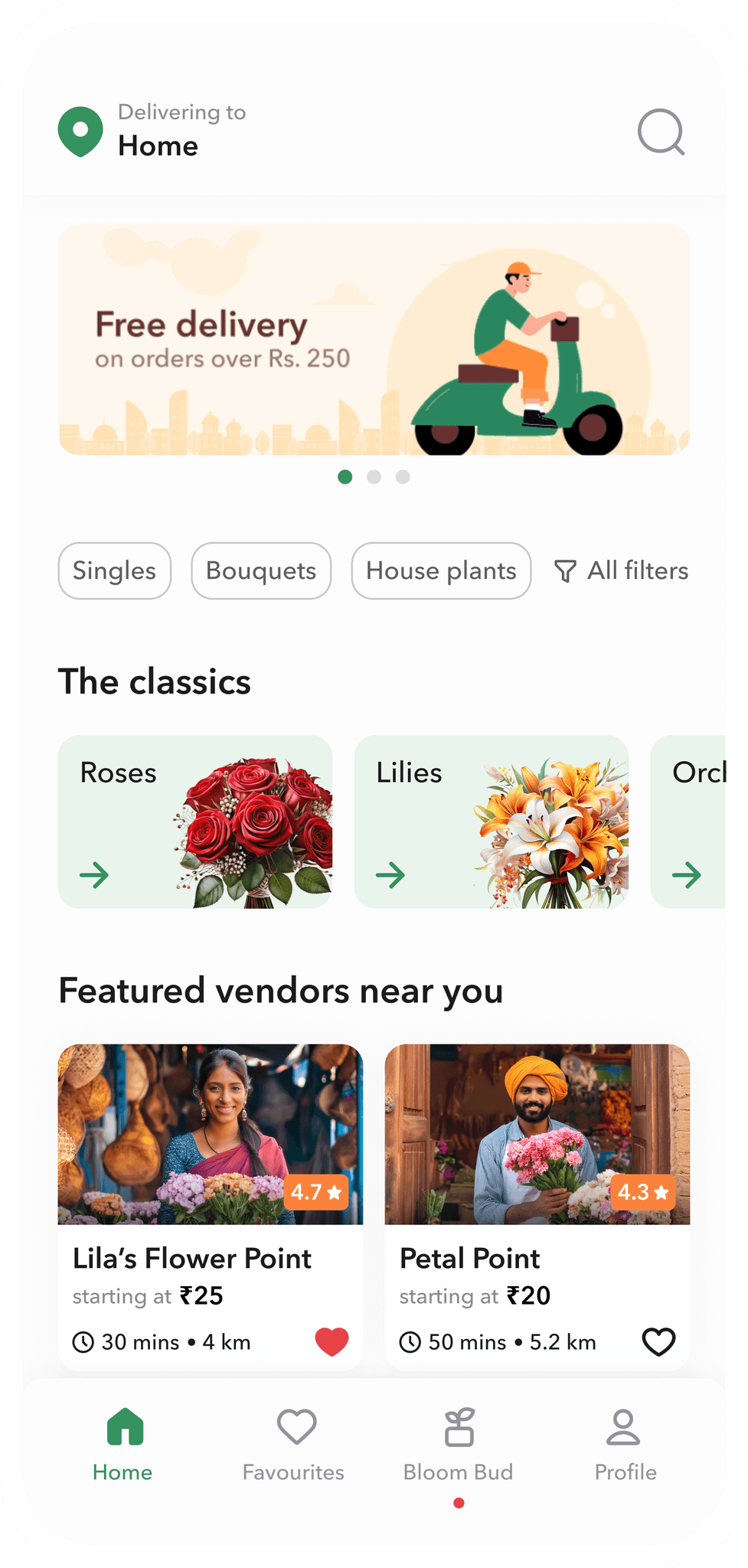
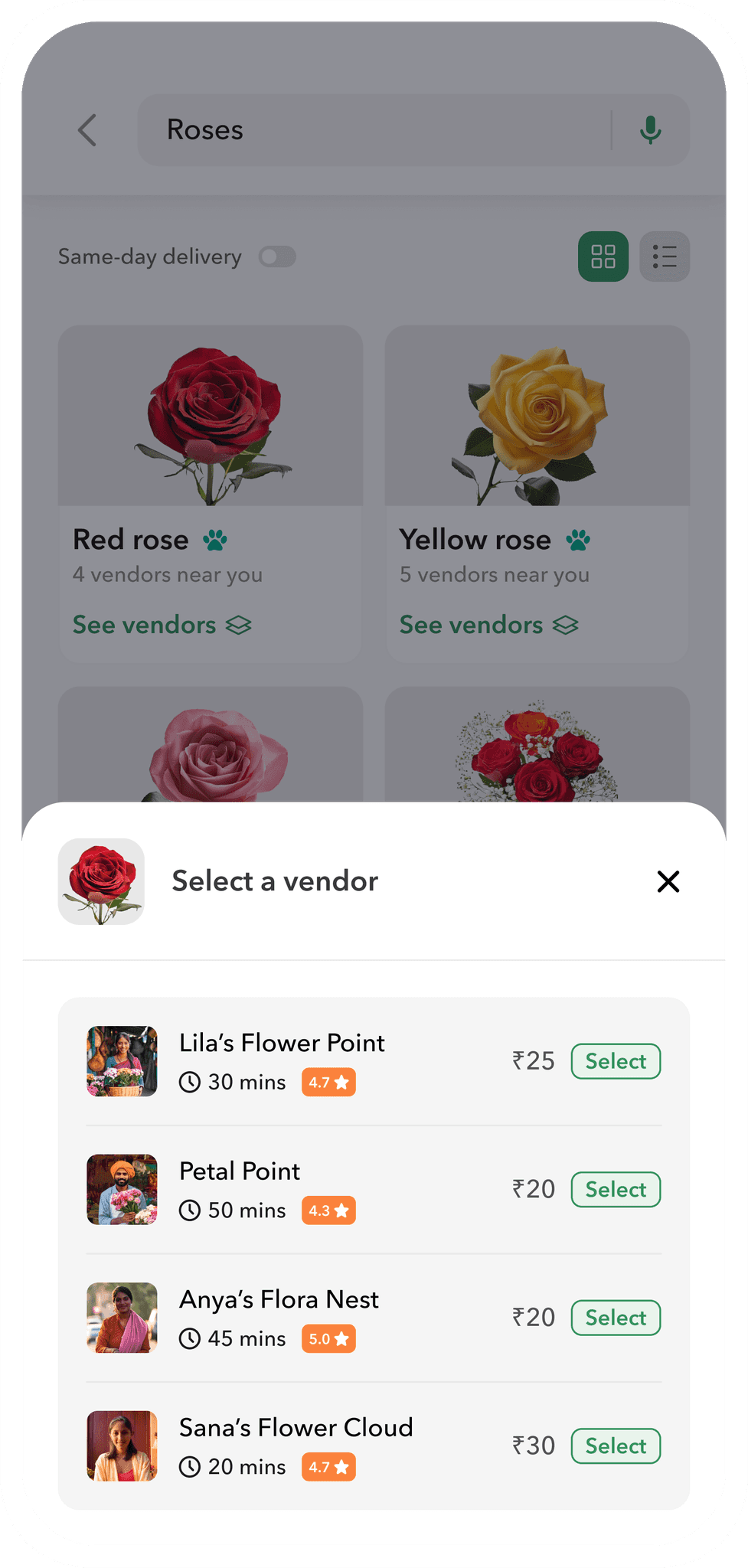
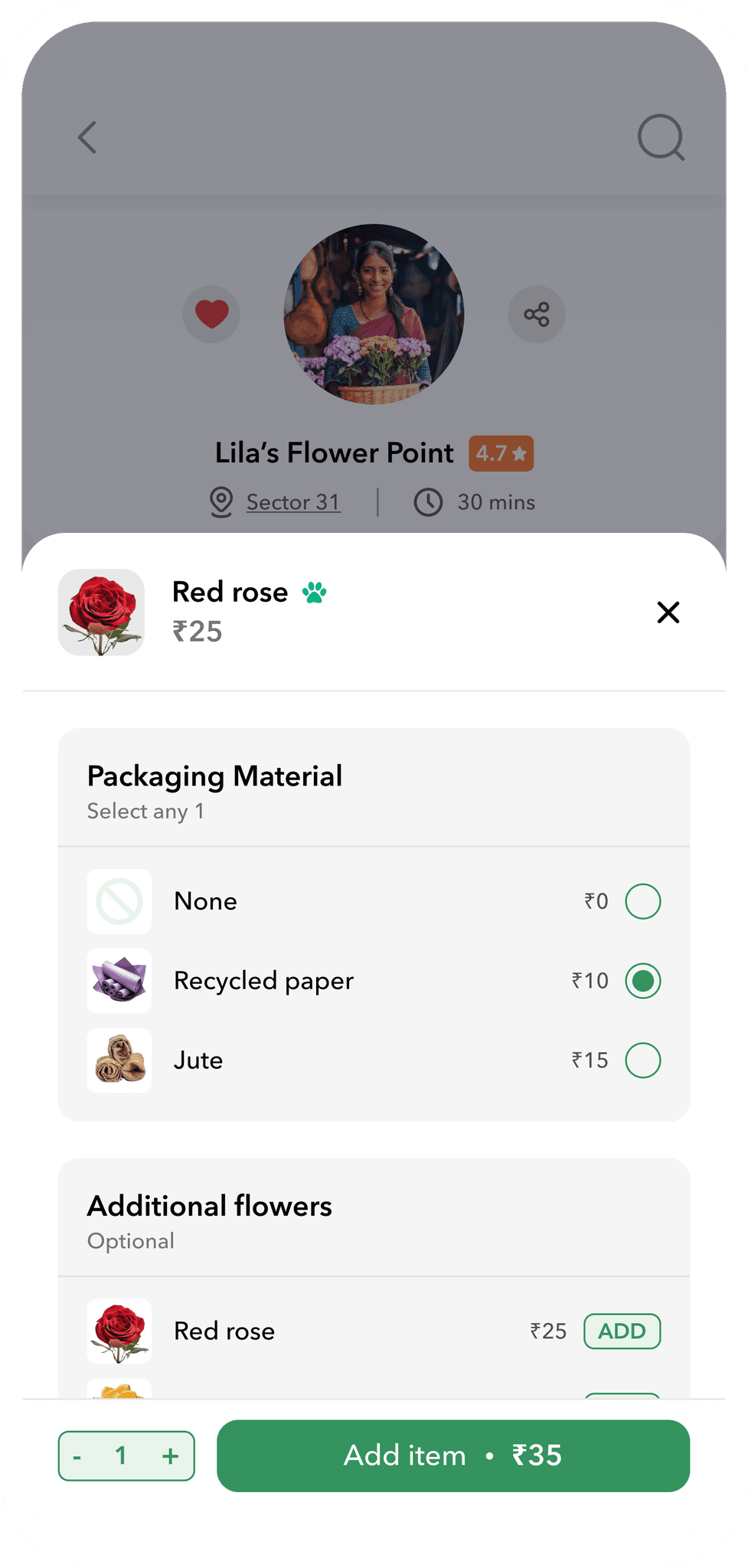
Bloom is a fictional flower delivery app that connects users to local vendors and enables them to effortlessly order flowers and houseplants from the comfort of their home. Designed for convenience, it helps support local businesses while ensuring a quick, reliable and affordable delivery.
My role: UX/UI Designer

The Problem
Bridging the gap
Between Convenience & Affordability


Existing online stores
Pros
Buy from the comfort of home
Cons
Costlier than local markets
Primarily designed for gifting
Freshness concerns
Bloom

Local vendors
Pros
Affordable
Shop for both personal and gifting needs
Always fresh stock
Cons
Sometimes difficult and time-consuming to visit and explore due to busy schedules
There's a clear need for a solution that combines the affordability and freshness of local shops with the convenience of online shopping, offering a quick and effortless way for users to buy plants without breaking the bank.
Understanding the user
Meet Aisha

Aisha Khan
"I want to skip the hassle and find the perfect flowers quickly, just like I do with design tools."
Goals
wants to buy flowers for her loved ones regularly.
wants to support local businesses rather than big chains.
Frustrations
doesn’t get time to visit local vendors.
finds it difficult to locate pet-friendly options.
Bio
Aisha is a freelance graphic designer living in Bangalore. Her girlfriend loves flowers and she loves to surprise her, but her erratic schedule makes it difficult for her to do so. She also has a pet dog and makes sure that everything she buys is safe for him. She values supporting local businesses.
User research
Key takeaways
Convenience barrier
Most users find it difficult to visit the local markets either due to their erratic schedule or health issues that arise with age.
Scheduling hassle
Coordinating with local vendors to arrange a specific delivery time can be challenging, especially when they have no reliable way to track orders.
Finding pet-friendly options
Pet parents may not realise that some plants considered 'healthy' can be toxic to their furry friends. There is a lack of information on plant safety for pets.
Ideation
Inside the design process
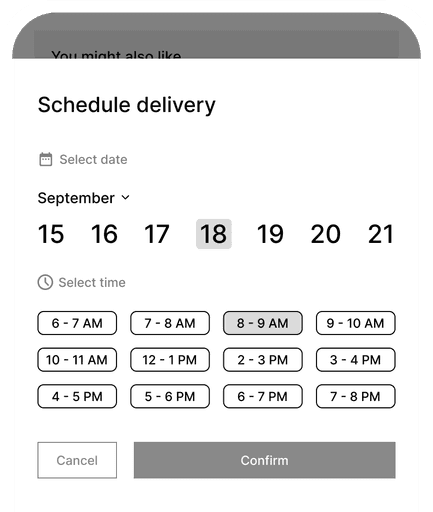
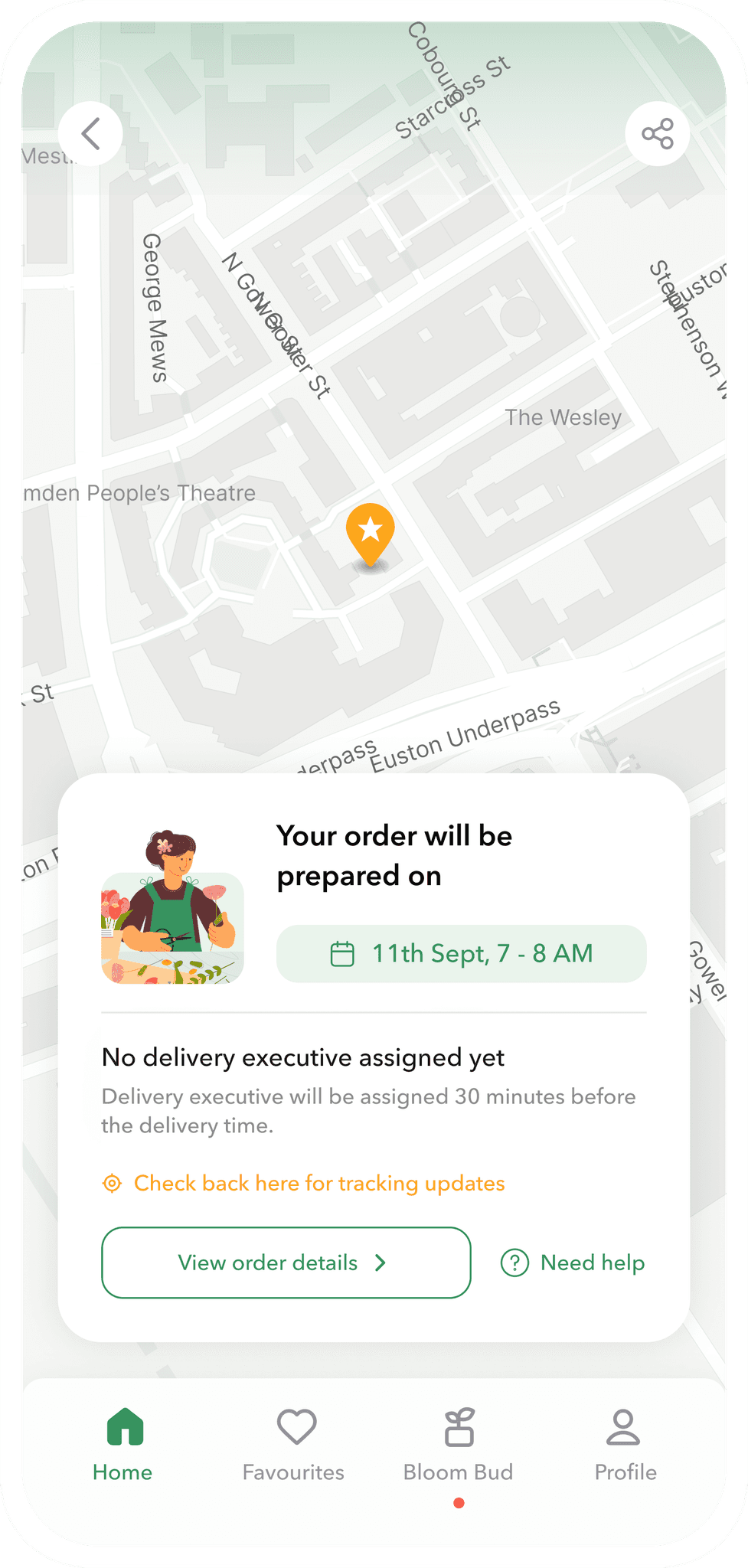
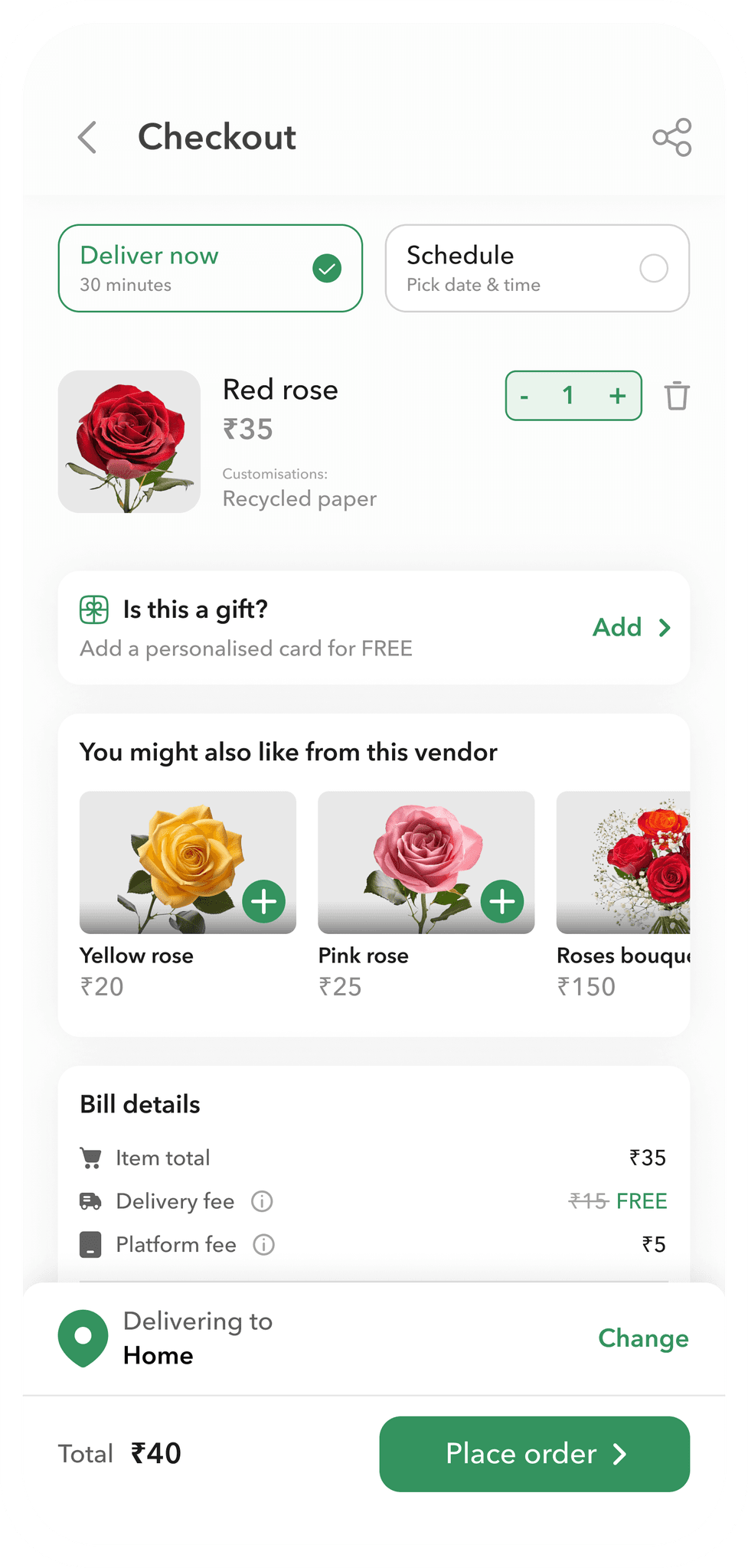
User feedback highlighted that a scheduling option provides peace of mind, allowing them to manage deliveries without missing important dates.
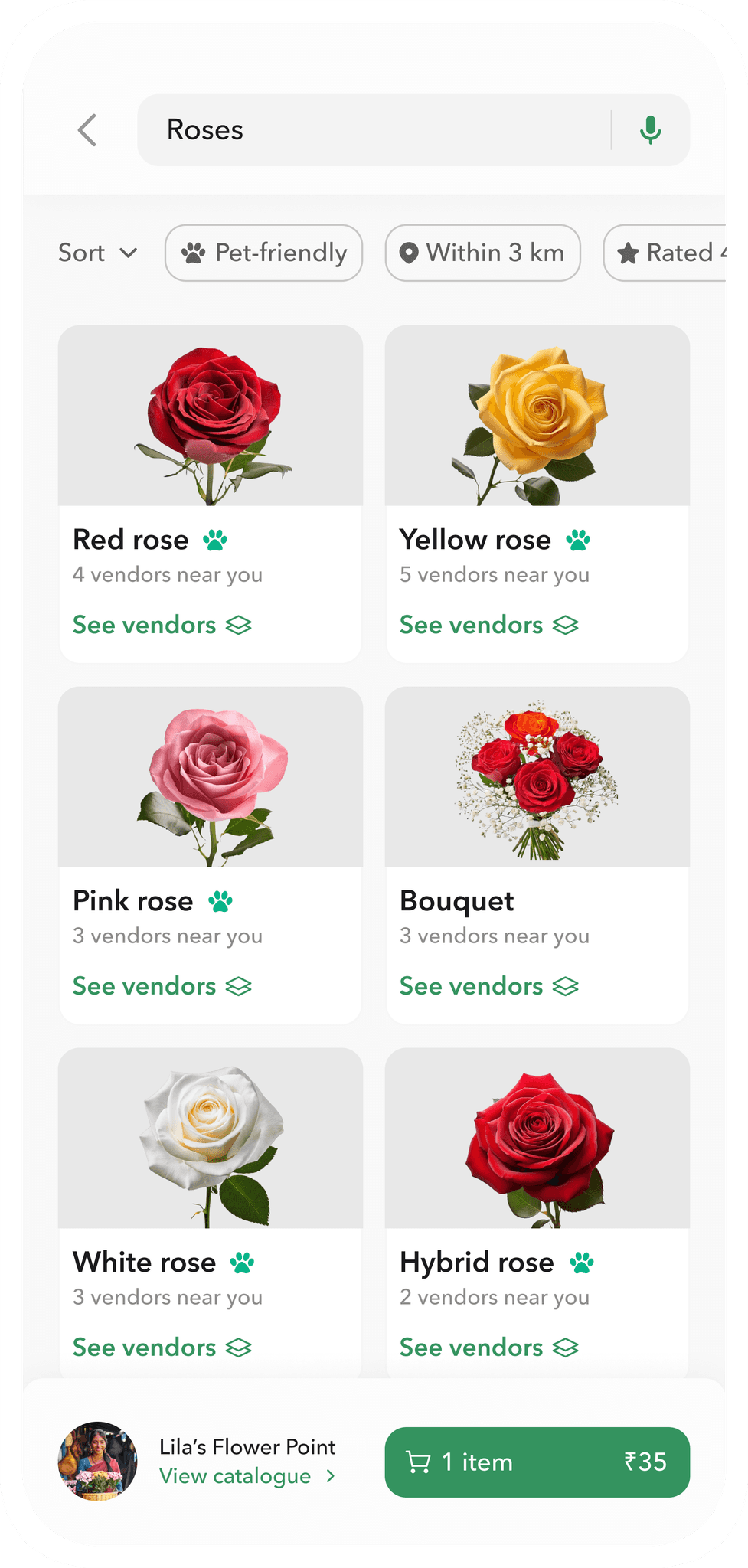
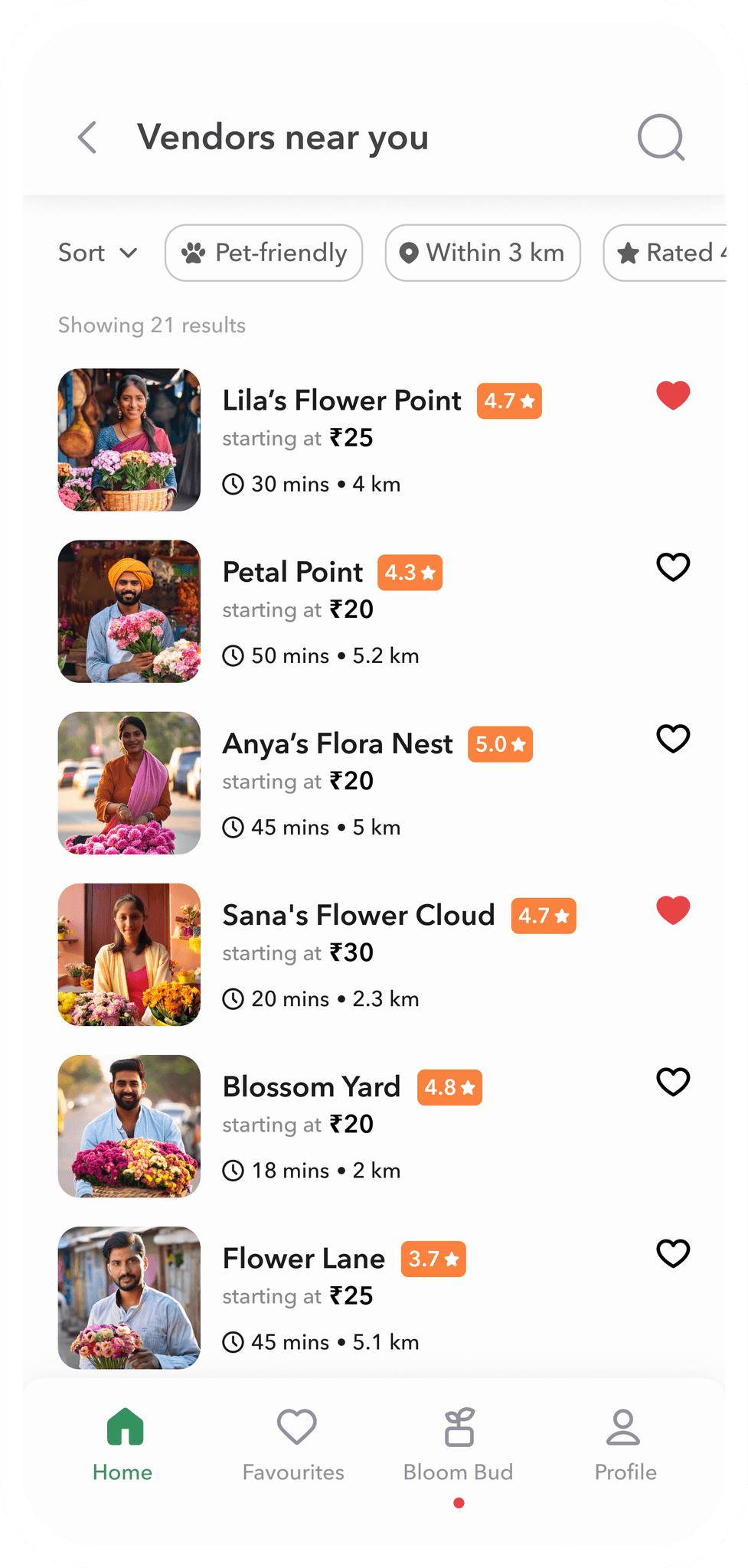
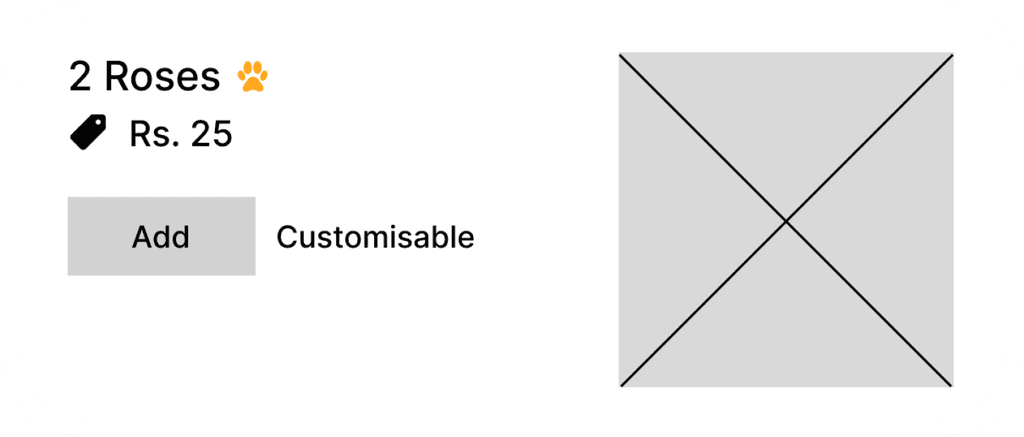
Additionally, the pet-friendly icon serves as a straightforward yet effective tool to build trust with pet owners, making it easier for them to find safe options for their pets.
User testing and insights
Refining through user feedback
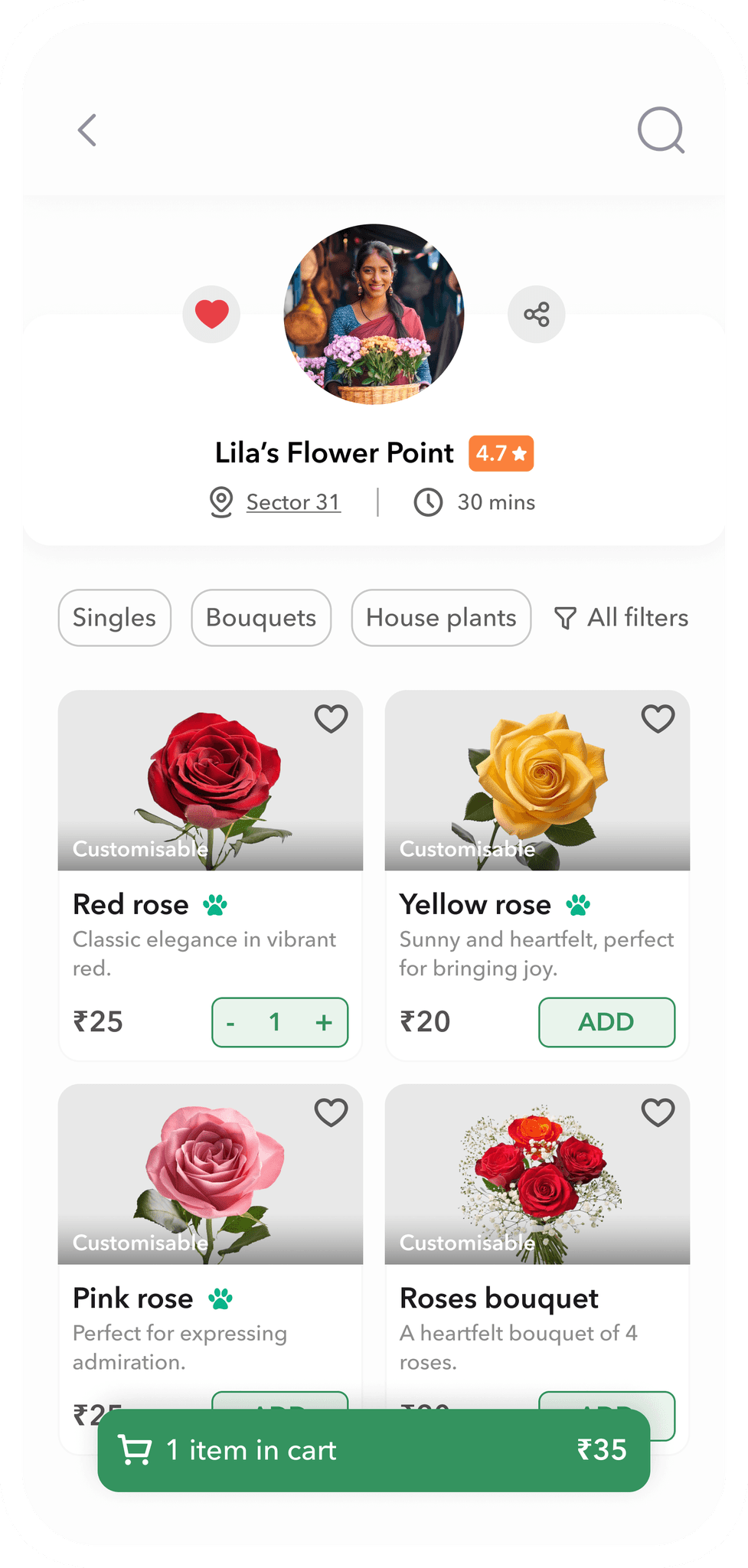
Initially, I designed a full-length search bar (left). However, user testing revealed that users often don't know what they want to buy, especially for gifts. They prefer to browse options and choose the ones that are visually appealing and budget-friendly. Therefore, I switched to a smaller search icon (right), which better supports this browsing behaviour.
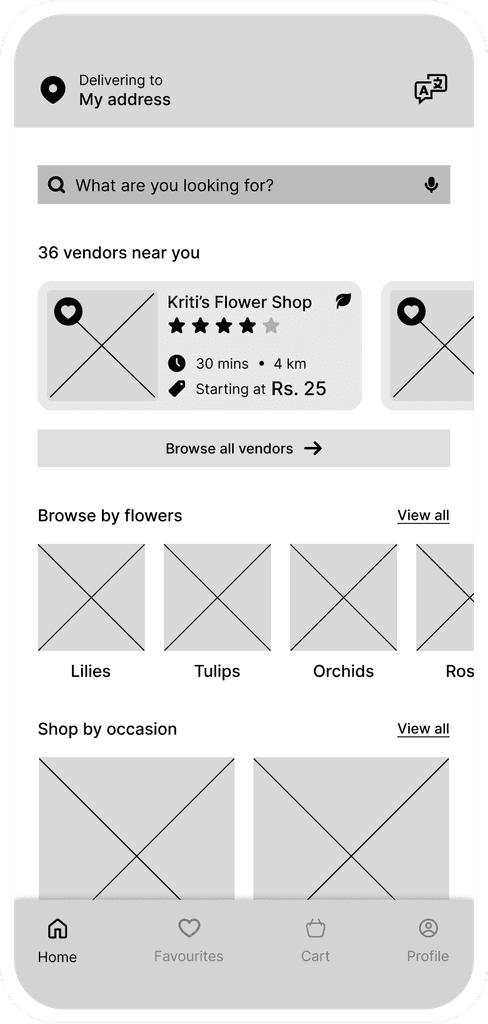
Before
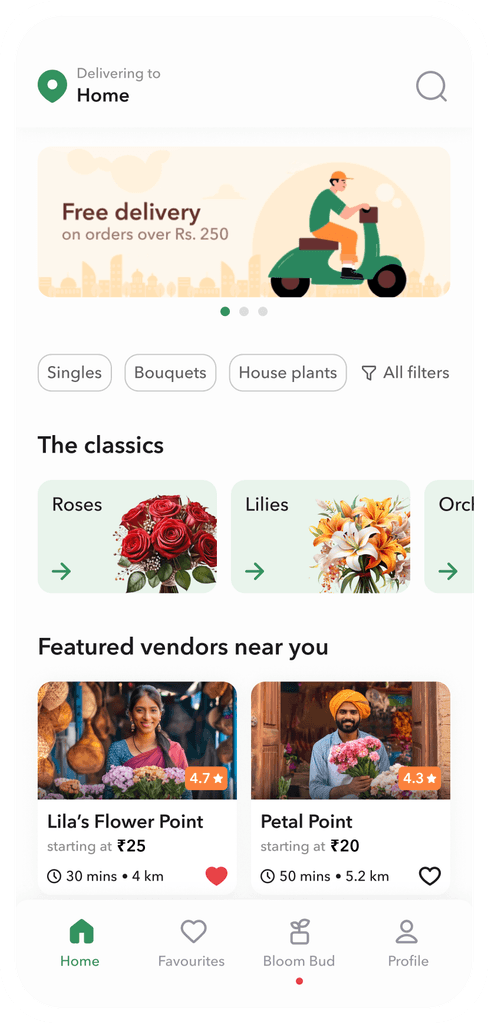
After
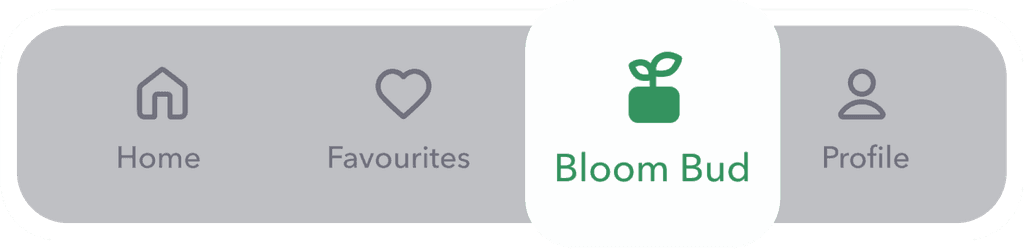
An accordion was designed to expand and show cart items after an item was added (left). However, users found checking out from this view challenging. To make space on the mobile UI, I replaced the navigation bar with a clear CTA to access the cart (right), which made the checkout process more intuitive.
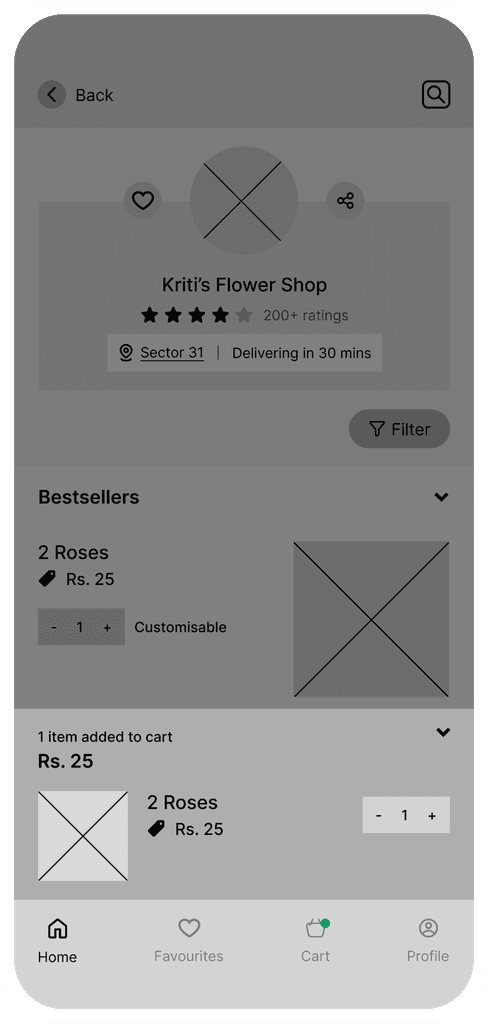
Before
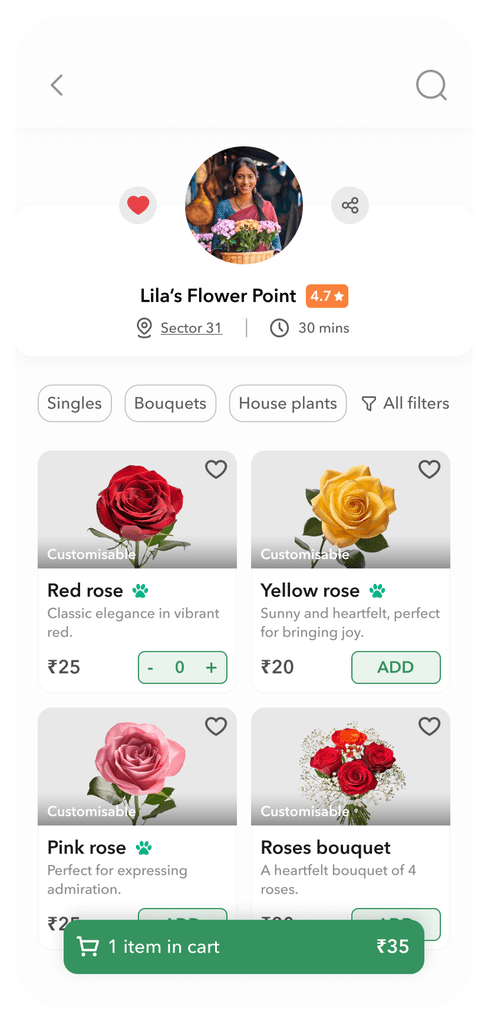
After